
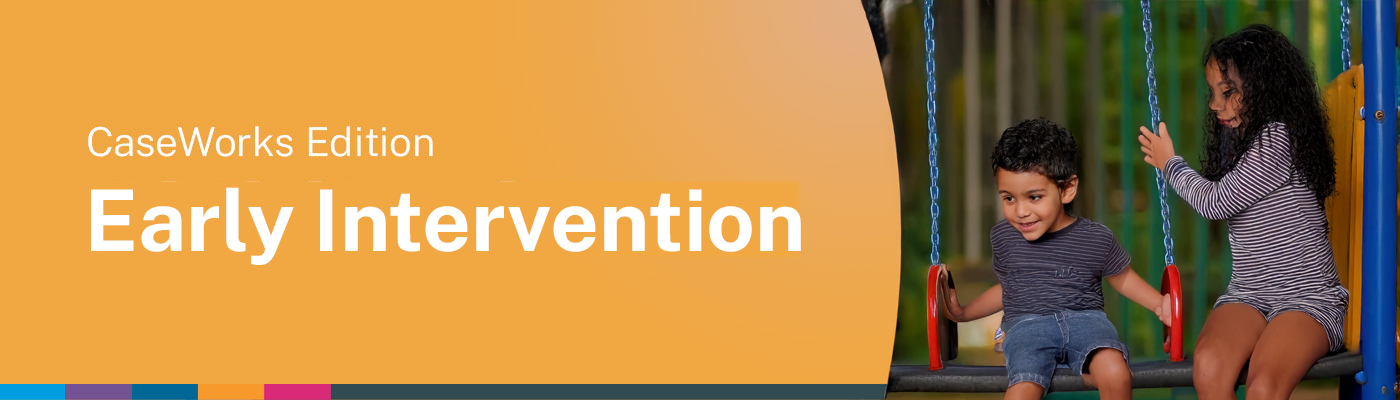

CaseWorks™ Early Intervention Edition software is a unified, role based platform that complements your current system by digitizing intake and referrals, automating document workflows and transition timelines, enabling secure collaboration across teams and partners, and reducing administrative burden so staff can focus more on supporting families.
All CaseWorks editions include the full suite of purpose -built standard features.
Early intervention edition provides integrated, proprietary capabilities that are not available as a substantially equivalent commercial solution from other vendors without significant customization, additional third-party products, and operational disruption.
CaseWorks Connect mobile app
- Field enablement: mobile access for coordinators to capture notes, signatures, and forms in real time
- Generate and auto-fill forms
- Record audio and video files
- Take photos
- Gather signatures
- Review case documents in the field
- Sync to casefile upon return to office
PC Laptop/Desktop Solution
- Auto-fill forms and packets
- Integrated eSignature functionality
- County attorney specific functionality
- Share, transfer, and own cases
Role-based Secure Portal
Portal and access for staff, providers, school districts, and enrolled families, enabling controlled access and secure exchange of program documents and communications across internal and external stakeholders
Secure Approvals
E-signatures with automated routing and notifications aligned to program controls, improving cycle time and ensuring traceable accountability.
Digitized Intake Referrals
Provide a secure online family referral option and streamlined provider referrals
Unified Document Control
A single, role based workspace with tagging and supervision views, and provider/parent portals
Supports Social Services DocTypes and Workflows:
Adult Services, Children’s Services and Licensing
Compliance & Retention:
Transparent history, reporting and lifecycle management aligned to county policies
Capacity & Consistency
Reduce handoffs and manual follow-ups so staff time shifts from administration to families
Transition Timeline Governance
Date of birth-based milestone (notifications, conferences, referrals) with clear reminders and audit trails.
Secure, integrated partnership
Work alongside your current systems as a secure companion.
How CaseWorks streamlines your day
Ways CaseWorks creates efficiencies
- Files are digitally tagged, tabbed, and shared across teams and units
- Reduce or eliminate physical paperwork and mail handling where paperwork gets lost in the mail
- More time to focus on data accuracy with less manual task
Autofill features reduce redundant typing - Automatic updates – no more screen scraping
- CaseWorks integrates with the county system-of-record and automatically updates data
- Clear and intuitive navigation
- Scanning, case lookup and form generation all in one place
- Immediate sharing and client request eSignatures
- Reduce manual work and redistribute resources to create efficiencies in other areas.
More accurate data and less loss of data
- CaseWorks integrates with the county system-of-record and automatically updates data
- Autofill can accurately fill data with less manual errors
- Files are digitally tagged, tabbed, and shared across teams and units
- Digitally tag document for court hearings
- Immediate sharing and client request eSignatures reduces document mailings back and forth.
- Reduce the need or eliminate physical paperwork than can get misplaced.
- Reduce chances of lost files or images related to manual paperwork.
Effortless Signatures
- Internal eSignature for CSOs and Attorneys and external for citizens
- Digital signature, digital forms and tagged document access for court appearances
- Immediate sharing and client request eSignatures
- No more snail mail for document signing
- Multi-Factor Authentication (MFA) keep signed documents safe.
Keep your team like a well-oiled machine
- Files and forms can be easily shared and transferred across teams, units & among counties that use CaseWorks.
Files are digitally tagged, tabbed, and shared across teams and units - Immediate sharing and client request eSignatures
Allows remote work for outside of office work or remote employees - Scan once, and CaseWorks automatically sends copies of relevant documents to case owners across HHS units
Share documents across organizations even if they don’t use CaseWorks - Invite clients via CaseWorks’ portal to collaborate paperwork.
- Role-based permissions align the right team members for the right content
No Bots
- Full teams for customer onboarding
- No chatbots, we have real humans to help when you need it most.
- Continued training classes for new hires or refreshers
- Quick turnaround on request, means your team isn’t waiting on answers
- Training materials, online videos and more at your fingertips.
- Open hours help desk giving you easy access to quick questions or tips.
Sales FAQ
Have Questions?
CaseWorks manages state-data integrations and daily feeds used for auto-fill. Historical threads reference direct MAXIS data imports and an SMI/enterprise-gateway transition while preserving auto-fill, reducing the need for duplicate manual entry.
Auto-Fill Forms are documents that can be generated with client and county information to
save you time. This auto-fill information pulls directly from your System of Record.
CaseWorks has over 850 widely used Auto-Fill Forms developed for our users. We also
develop county specific Auto-Fill Forms during project implementation, update existing
forms, and develop new forms as a part of your ongoing CaseWorks Support.
Yes! Cases can be transferred electronically across CaseWorks Counties with just a few
clicks. CaseWorks also has an Export feature that allows you to export an entire Case File,
select documents for uploading to secure sites, or send documents that need to be shared.
Documents can be scanned directly into CaseWorks, auto filled with client information and routed directly to the
Case Owner assigned in your System of Record.
Any electronic document format can be routed to
CaseWorks. You can route photos, Word documents,
screen captures, emails, and other electronic formats into
CaseWorks. It as simple as printing a document!
Documents can be emailed directly into CaseWorks. This
allows anyone in your network working remotely or on-site to
email a document directly to CaseWorks. Documents on your
desktop, file folders or drives can also be dragged directly into
CaseWorks
NCT has been in the business of Electronic Document Management for over 14 years. We
have a refined implementation plan, whether you are currently processing paper or moving
from another EDMS. Our experienced Project and Engineering Team will guide your agency
through the software implementation, and that is just the beginning!
Our team is here to support you during and after the implementation of CaseWorks at your
agency. NCT provides ongoing technical & user support as well as CaseWorks User Groups
that allow our users to engage in product improvement discussions.
NCT said CaseWorks Outgoing Mail lets staff create auto-fill forms/packets and route them for printing/mailing. For the proposed Print2Mail enhancement, workers would select documents and click Print2Mail.
NCT later described a billing module on the product roadmap: caseworkers capture roughly 8–10 data fields, an administrator aggregates billing batches, and the data can be exported to Excel/CSV for downstream EI-Hub upload.

How Does Document Sharing Improve Client Care?
When you take a deeper look at human services programs, the social workers and caseworkers carry the weight of the conversation — but there are

What Does Daily Life Look Like for Human Services Social Workers?
No matter if you are an aspiring social worker just researching the career field, a curious citizen who wants to learn more, or an experienced

How Does Technology Reduce the Administrative Burden on Social Workers?
Technology provides a wealth of benefits in a wealth of different scenarios in human services, that range from a social worker using data analytics to
Visit our other Solutions
CaseWorks Financial Services Edition helps Eligibility Workers administer public assistance programs for food, cash, childcare, and emergency programs so that the people in your community can thrive.
CaseWorks Child Support Edition helps Child Support Investigators and Officers collaborate with County Attorneys on their mission to ensure children a brighter future. Our software is designed to enhance the agency’s teamwork, so children receive the support they need.
CaseWorks Social Edition for Child Welfare supports Social Workers and Case Managers as they compassionately prevent abuse and neglect by empowering families to achieve their highest potential.
CaseWorks Social Edition for Adult/Aging Services supports Social Workers and Case Managers as they compassionately prevent abuse and neglect by empowering families to achieve their highest potential.
CaseWorks Early Intervention Edition software is a unified, role based platform that complements your current system by digitizing intake and referrals, automating document workflows and transition timelines, enabling secure collaboration across teams and partners, and reducing administrative burden so staff can focus more on supporting families.

CaseWorks Healthcare Edition supports Healthcare Eligibility Workers who help to keep their community healthy. Our software facilitates seamless healthcare assistance application intake & ease in determining eligibility for assistance.
CaseWorks Accounting Edition (ACE) is specifically designed for Health and Human Service Accountants to manage, store, and associate data with your payment related documents.
CaseWorks Workforce Edition partners with employee counselors to help people find and keep meaningful work. Our software streamlines document management so job-seekers and employees are fully supported for interviews and training.
Book a Demo with us
Still not convinced? Tired of hearing us talk? We have plenty of great customers you can hear from.